Mac only · Pay once · No subscription
Know your Mac.
Own it.
MacSense watches your Mac's health in real time and tells you what's wrong in plain English, with a fix next to every problem. It runs on your Mac and sends nothing anywhere. Need to watch more than one Mac? Add MacManager.
macOS 12 or later · Apple silicon and Intel · 7-day refund, no questions asked
See it first
Live numbers. Plain-English problems.
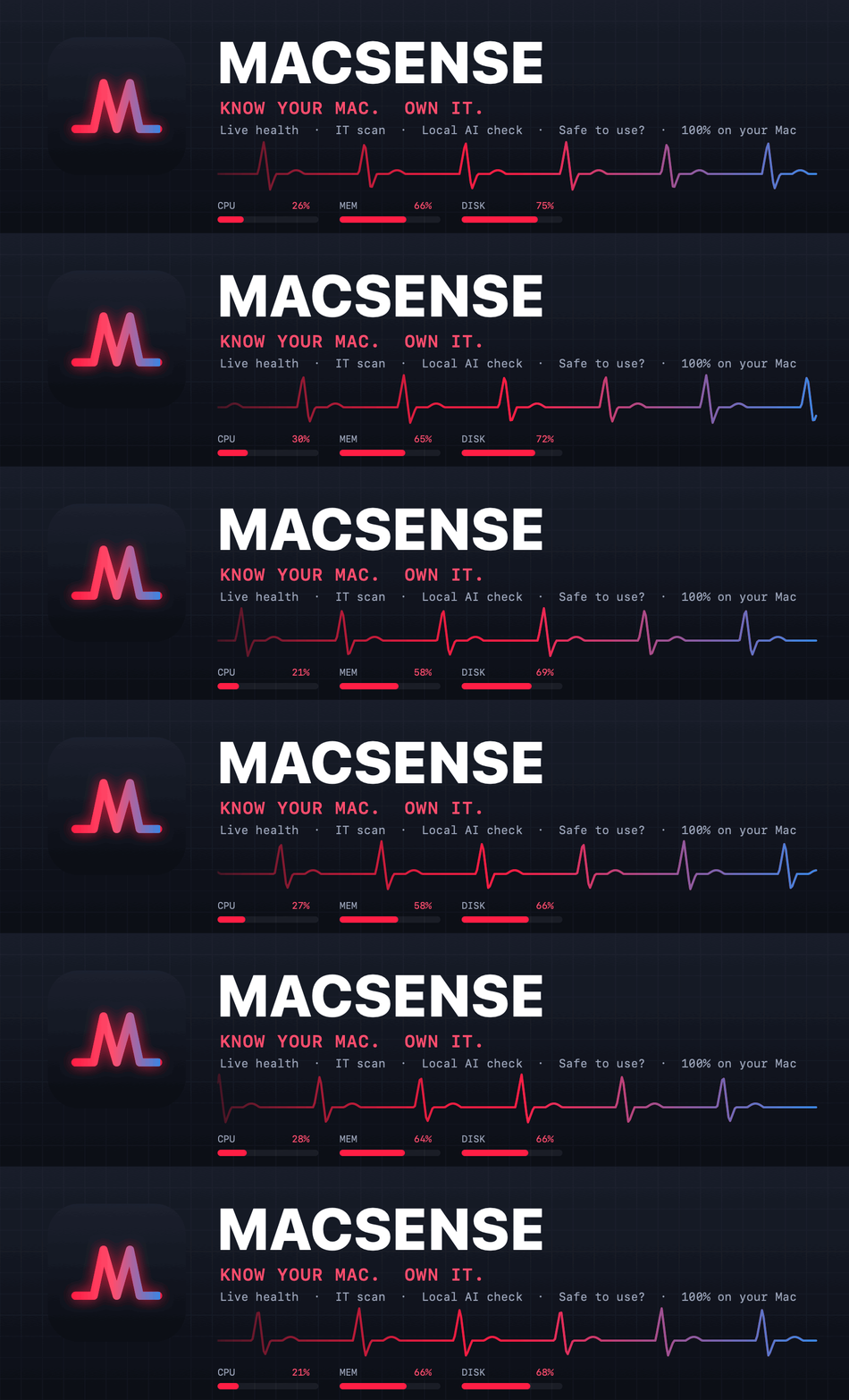
Open it and you see what your Mac is doing right now, and what's wrong with it before it becomes your problem. Illustration with sample numbers.
Watch it · under 2 minutes each
See how it works.
How to install and approve MacSense, then one video for MacSense on its own and one for MacManager. Sample data only; captions included.
Install guide
MacSense Standalone
MacSense + MacManager
What you get
Everything a tech would check first.
Live health
CPU, memory pressure, disk, network and temperature, updating as you watch.
IT scan
Checks security settings, storage, updates and more. Every problem comes with a plain-English fix.
Local AI check
Can this Mac run a local AI model? A plain verdict on which models fit its memory and chip, plus an optional speed test.
Safe to use?
Looks at the network you're on and this Mac's own security settings, and says if anything needs fixing. It only checks; it changes nothing.
Save a PDF report
Hand your IT person, or your future self, a clean report of exactly what was found.
100% on your Mac
On its own, MacSense sends nothing anywhere. No account. No cloud. No ads.
Light on your Mac
Built natively for the Mac, so watching your Mac doesn't slow it down.
Pay once
No subscription, no renewal, no per-month anything. You own your copy.
Pick how you want it
Pay once. Own it.
No weekly or monthly plan for the app. Need to watch more than one Mac? MacManager watches as many as you want.
Own it
Standalone
- MacSense for 1 Mac
- Live health, IT scan, Local AI check, PDF
- Nothing leaves your Mac
- 7-day refund
Unlimited devices
Standalone + MacManager
- MacSense on every Mac you own
- Add and monitor as many devices as you want
- MacManager shows them all in one place
- Runs on your own database
- Tickets, alerts, supplies, sites
- Slack, Google Chat or Discord alerts
- 3 months of setup support included
Coming soon
Fully Managed
- We run MacManager for you
- We're alerted when something breaks
- Remote help
Coming soon
Enterprise
- A tech on site or remote
- Custom setup and terms
The details
Exactly what you're buying.
| Price | One-time. Yours to keep. |
| Runs | 100% local on your Mac. Nothing is sent anywhere. |
| Works on | macOS 12 or later, Apple silicon and Intel. |
| You get | The app, a first-launch card and the license. Standalone + MacManager adds 3 months of setup support. Built apps only; source code isn't included. |
| License | Standalone: one Mac. Standalone + MacManager: every Mac your own organization owns, no device limit. You may not share or resell it. |
| Refunds | 7 days, no questions asked. Read the refund policy. |
Questions
Straight answers.
macOS says it can't verify MacSense. Is it safe?
MacSense isn't signed with an Apple Developer ID yet, so macOS shows a warning the first time. Right-click the app, choose Open, then Open. If you only see "Done" and "Move to Trash", open System Settings › Privacy & Security and click Open Anyway. You only do this once. The first-launch card in the download walks you through it.
Does it send my data anywhere?
No. On its own, MacSense keeps everything on your Mac. The optional MacManager plan sends readings only to a database you control.
Can I put it on more than one Mac?
One Standalone license covers one Mac. Standalone + MacManager has no device limit: add and monitor as many of your own Macs as you want.
Is it a subscription?
No. Both plans are paid once. Fully Managed and Enterprise plans are coming soon.
What does the 3 months of setup support cover?
Standalone + MacManager includes 3 months of help getting set up: connecting your database, adding your first Macs and getting alerts working. Email info@brokengearindustries.com.
How do refunds work?
You have 7 days from purchase, no questions asked, on both plans. Use the refund link on your Gumroad receipt or email info@brokengearindustries.com. Full refund policy.
What if I need help?
MacSense is licensed, not sold. Mac is a trademark of Apple Inc.; MacSense is not affiliated with or endorsed by Apple.